
 vs
vs
SendKit vs GMass (2026): When the Gmail Cap Becomes a Wall
We compared SendKit and GMass across pricing, infrastructure, and features. GMass lives inside Gmail with ColdSMTP, but the Chrome extension approach has real limits at scale.

The Verdict
GMass takes a fundamentally different approach: it is a Chrome extension that works entirely inside Gmail. That simplicity is its biggest strength and biggest limitation. You compose and send from Gmail, use Google Sheets for contact lists, and ColdSMTP for infrastructure.
It is great for individuals and small teams sending under 10K emails/month. But there are no dedicated IPs, no lead database, no dialer, and no unified inbox for managing multiple accounts. SendKit at $99/mo is a full platform with dedicated IPs, isolated infrastructure, 75K emails, and a complete tool suite.
For teams scaling past Gmail limits, SendKit is the upgrade path.
SendKit vs GMass: Feature-by-Feature
| Feature | |  GMass GMass |
|---|---|---|
| Infrastructure | ||
| Dedicated IPs | Every plan Dedicated IP on all plans from $99/mo | No Sends through Gmail infrastructure |
| Isolated Infrastructure | Yes Fully isolated sending | No Sends through Gmail shared infrastructure |
| Email Warmup | Unlimited, AI-powered AI warmup on all plans | No No native warmup (relies on Gmail reputation) |
| Inbox Placement Testing | Built-in Test inbox vs spam placement | No No placement testing |
| Features | ||
| Google Sheets Integration | No CSV import, not Sheets native | Yes Native Google Sheets mail merge |
| Gmail Native | No Standalone platform | Yes Works entirely inside Gmail |
| Built-in Dialer | Yes Native cold calling | No No dialer |
| Lead Database | 350M+ contacts Built-in lead finder | No No lead database |
| CRM | Yes Built-in pipeline CRM | No No CRM (relies on external tools) |
| Sending | ||
| Email Accounts | Unlimited Effectively unlimited under a generous fair-use policy that typical users never reach | Per-account One Gmail account per license |
| Monthly Emails | 75K to 2.5M 75K (Essential) to 2.5M (Agency) | Gmail limits Subject to Gmail sending limits (~500/day personal, ~2K/day workspace) |
| Scale | ||
| White-label | From $499/mo Full white-label on Pro | No No white-label |
Switch to SendKit
Dedicated IPs. Isolated infrastructure. From $99/mo.
Pricing Comparison
75,000 emails · 30,000 leads
Dedicated IPs, all tools included
250,000 emails · 100,000 leads
All deliverability tools + finder credits
500,000 emails · Unlimited leads
White-label, unlimited leads
2,500,000 emails · Unlimited leads
Dedicated account manager
GMassGmail limits emails · N/A leads
Single Gmail account, Chrome extension
Gmail limits emails · N/A leads
Advanced features, higher limits
Gmail limits emails · N/A leads
Team plan, shared templates, priority support
Pricing takeaway
GMass is dramatically cheaper at $25/mo for individuals. But it sends through Gmail with Gmail limits. SendKit at $99/mo gives you 75K emails on dedicated IPs. These are fundamentally different products for different scales of operation.
Different Approaches
GMass and SendKit are fundamentally different products. GMass is a Chrome extension that adds cold email capabilities to Gmail. You compose emails in Gmail, use Google Sheets as your contact database, and send through Gmail infrastructure (or ColdSMTP).
It is designed for people who want to stay inside Gmail. SendKit is a standalone platform with its own infrastructure, dashboard, lead database, dialer, and analytics. It is designed for teams that need a dedicated cold email system.
This means the comparison is not apples-to-apples. GMass is for individuals and small teams who want to add cold email to their existing Gmail workflow. SendKit is for teams that need infrastructure-level control over deliverability.
Key takeaways
- GMass: Chrome extension that works inside Gmail
- SendKit: standalone platform with dedicated infrastructure
- GMass: best for individuals adding cold email to Gmail
- SendKit: best for teams needing infrastructure control
Gmail Limitations
Sending through Gmail means you inherit Gmail's limits: around 500 emails/day on personal accounts, 2,000/day on Google Workspace. GMass offers ColdSMTP as an alternative SMTP service, but that is still shared infrastructure. SendKit starts at 75K emails/month on dedicated IPs with no Gmail dependency.
For teams sending more than a few thousand emails per day, Gmail limits become a real constraint. GMass works around this with scheduling and throttling, but you cannot fundamentally exceed Gmail's caps without ColdSMTP.
Key takeaways
- Gmail limits: ~500/day personal, ~2K/day workspace
- ColdSMTP available but still shared infrastructure
- SendKit: 75K to 2.5M emails/month on dedicated IPs
- GMass works within Gmail constraints
Start sending today
Set up in 15 minutes. Dedicated IPs on every plan.
GMass for Gmail-Native, SendKit for a Real Platform
We recommend GMass if you are an individual or freelancer sending under 2,000 emails/day, you want to stay inside Gmail, and you use Google Sheets for your contact lists. At $25/mo, it is the simplest and cheapest way to do cold email from your existing Gmail workflow. We recommend SendKit if you are a team sending more than 5,000 emails/month, you need dedicated IPs for deliverability, and you want a built-in lead database and dialer.
The $99/mo entry point is higher, but it is a complete platform rather than a Gmail add-on.
Key takeaways
- Choose GMass if: individual/freelancer, under 2K emails/day, want to stay in Gmail, budget under $30/mo
- Choose SendKit if: team sending 5K+ emails/mo, need dedicated IPs, want lead database and dialer
Pros & Cons
SendKit
Strengths
- Dedicated IPs on every plan
- 75K to 2.5M emails/month (no Gmail limits)
- 350M+ lead database included
- Built-in dialer for cold calling
- Built-in CRM with pipeline tracking
- White-label from $499/mo
Limitations
- 4x higher entry price ($99/mo vs $25/mo)
- Not Gmail-native (requires learning a new platform)
- No Google Sheets integration
GMass
Strengths
- Cheapest option at $25/mo
- Works entirely inside Gmail (zero learning curve)
- Native Google Sheets mail merge
- Simple setup (Chrome extension install)
- Annual discounts available
Limitations
- Sends through Gmail (subject to Gmail limits)
- No dedicated IPs
- No lead database
- No built-in dialer
- No CRM
- No white-label
- One Gmail account per license
- Limited scalability beyond Gmail constraints
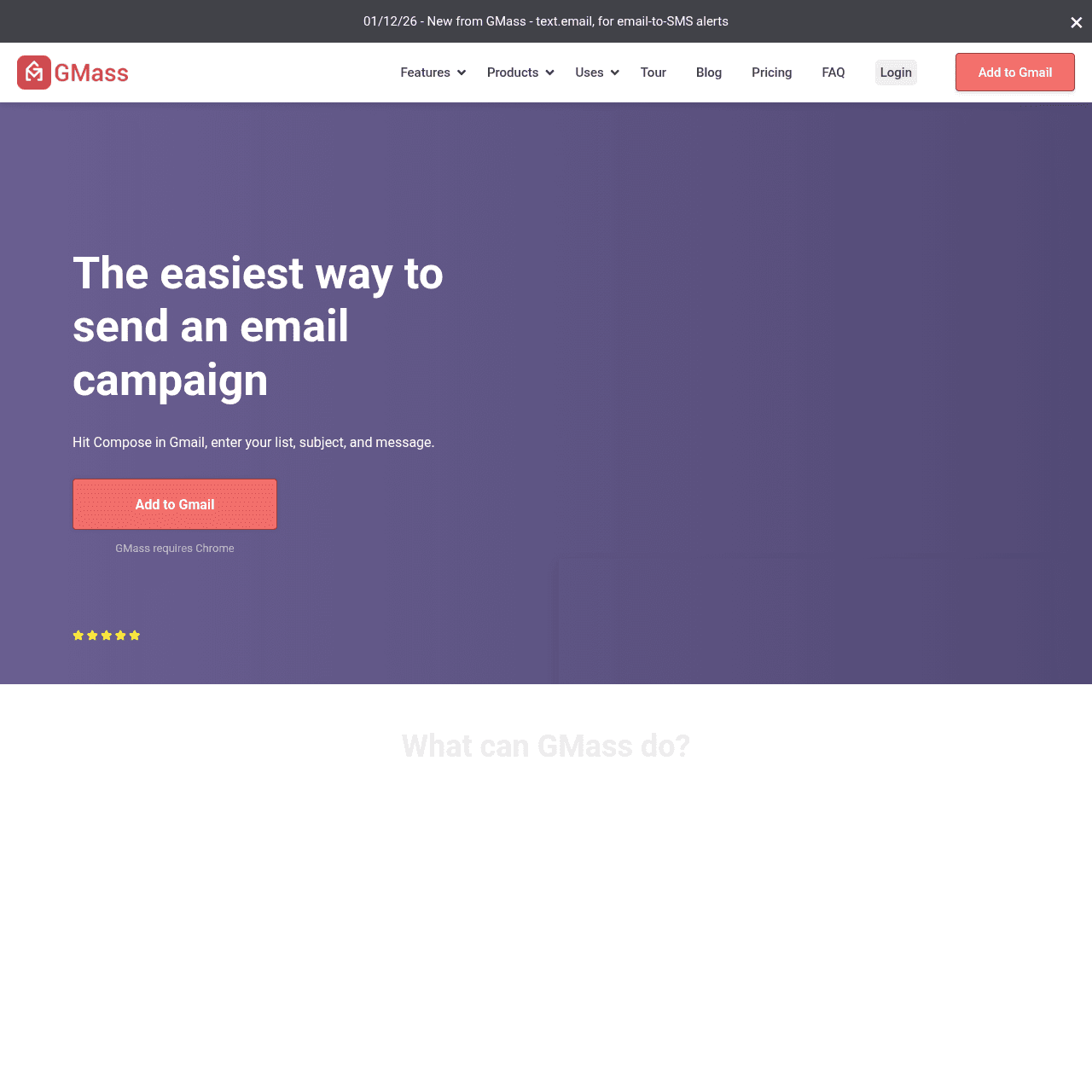
GMass Screenshots
Ready to switch?
Your reputation, your control. No shared infrastructure.
Keep reading
Got questions? We've got answers.
No. GMass sends through Gmail infrastructure or ColdSMTP, both of which use shared sending. SendKit includes dedicated IPs on every plan starting at $99/mo.
Ready to hit primary?
Set up SendKit's isolated infrastructure and start sending in under 15 minutes.
Dedicated IPs on every plan. Cancel anytime.