
5 Best Email Infrastructure Providers for Cold Outreach
We compared 5 email infrastructure providers on pricing, deliverability, DNS automation, and integration with cold email platforms like SendKit. Note: SendKit also lets you buy mailboxes directly within the platform, fully automated and ready in 30 minutes, so a separate provider is optional.


How We Evaluated These Providers
- Mailbox type: Google Workspace, Microsoft 365, SMTP, or a combination
- Pricing per mailbox: what you pay at scale when running 50-200+ mailboxes
- DNS automation: does the provider handle SPF, DKIM, DMARC, and MX setup automatically
- Warmup and deliverability: built-in warmup, inbox placement testing, email verification
- Integrations: one-click connections with SendKit, Instantly, Smartlead, Saleshandy, and other sending tools
- Scale readiness: how the platform performs when managing hundreds of mailboxes across dozens of domains

InboxKit
$31/mo (Professional, 10 mailboxes)Best for: complete infrastructure with built-in deliverability tools
Source: InboxKit
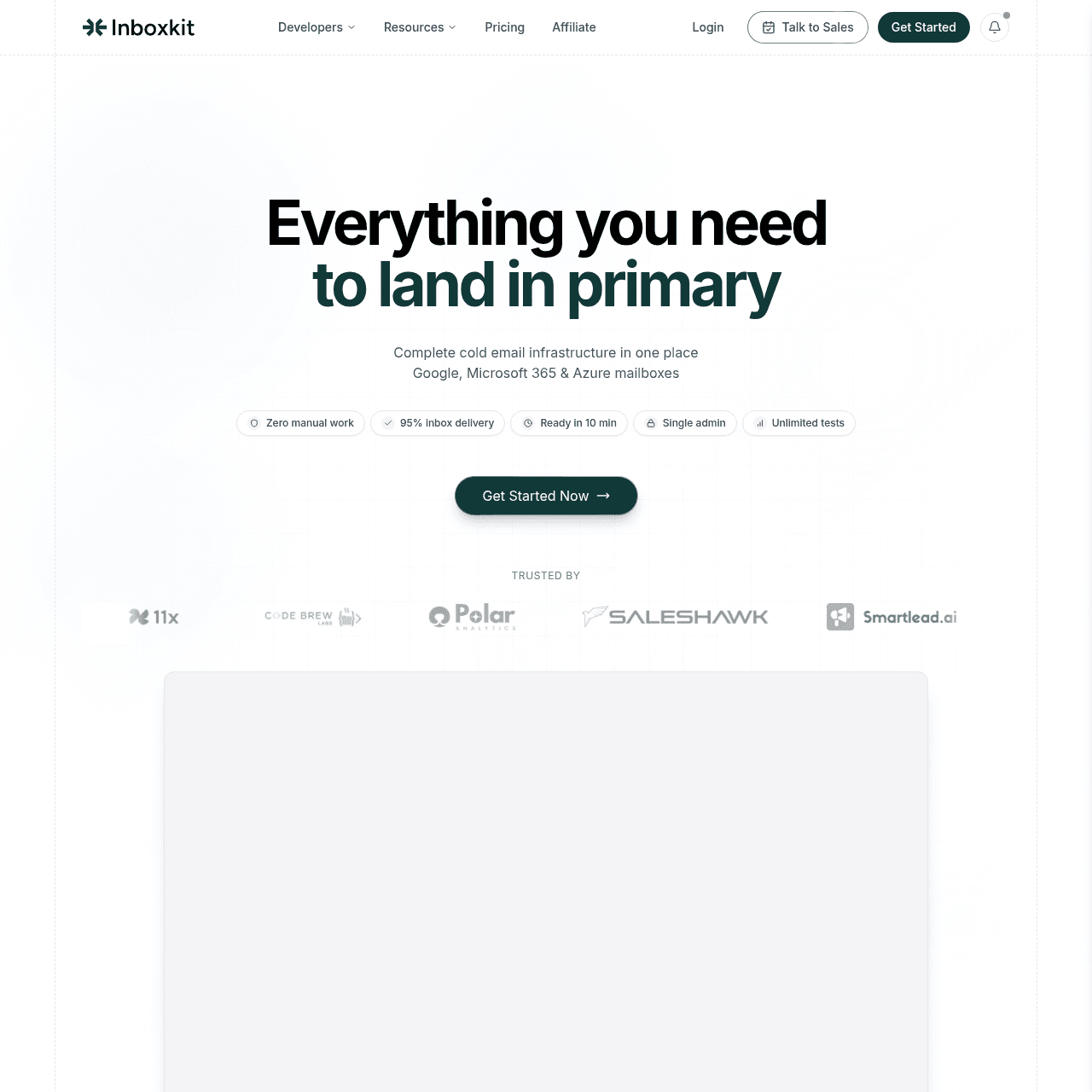
InboxKit is the most complete email infrastructure provider we reviewed. It ships three tiers on annual billing: Professional at $31/mo includes 10 mailbox slots (extra mailboxes at $3.10 each), Agency at $81/mo includes 30 mailbox slots (extra at $2.70 each), and Enterprise at $250/mo includes 100 mailbox slots (extra at $2.50 each). Volume discounts are available for 500+ mailbox configurations.
The effective per-mailbox cost falls as you scale, with $2.50/mailbox being the Enterprise-tier rate, not a universal price. Across every tier you get Google Workspace, Microsoft 365, and Azure mailboxes with US-based IPs. That flexibility matters because some domains perform better on Google and others on Microsoft, and InboxKit lets you mix both under one roof.
What sets InboxKit apart from every other provider on this list is the deliverability stack built into the platform. Every tier includes automated DNS setup (SPF, DKIM, DMARC, MX records), inbox placement testing, an email verifier, a blacklist checker, real-time monitoring, unlimited team members, full API access, and the official admin panel with 2FA and app passwords. Email Warmup is an add-on at $3/mailbox/month across all tiers.
Azure tenant provisioning is $30 per domain. InfraGuard is the protection suite with blacklist, DNS, and "monster" monitoring plus unlimited placement tests — the first month is free. InboxKit also provides a dedicated panel per domain, which makes it easy to monitor health at a granular level.
The platform supports 24+ sequencer integrations including SendKit, Instantly, Smartlead, and Saleshandy. The SendKit integration is especially strong: one-click import with tag and workspace selection, fully automated via API key with no manual login required. The provider claims a 95% inbox placement rate.
Trusted by companies like 11x, Zendesk, PwC, and Merck. For teams that want infrastructure plus the deliverability tooling layer in one provider, InboxKit is the clear leader at the Agency and Enterprise tiers.
Strengths
- Google Workspace + Microsoft 365 + Azure mailboxes under one platform
- Three published tiers (Professional, Agency, Enterprise) with volume-based per-mailbox rates
- Inbox placement testing, email verifier, and blacklist checker built into every tier
- InfraGuard Protection Suite available (blacklist, DNS, monster monitoring, unlimited placement tests)
- Automated DNS setup for SPF, DKIM, DMARC, and MX records
- US-based IPs with 95% claimed inbox placement rate
- Dedicated panel per domain for granular monitoring
- 24+ sequencer integrations including SendKit, Instantly, and Smartlead
- Volume discount path available for 500+ mailbox setups
Limitations
- Email Warmup is a paid add-on at $3/mailbox/mo, not bundled into base tiers
- Professional tier at $31/mo is sized for solo operators; per-mailbox cost ($3.10) is the highest of the three tiers
- Azure tenants cost an extra $30 per domain
- No free tier or trial published on the website
Verdict: The most complete infrastructure provider for cold email at the Agency ($81/mo) and Enterprise ($250/mo) tiers. Professional is a viable starter for solo operators but the per-mailbox economics improve significantly as you climb tiers. Email Warmup ($3/mailbox) is a separate decision worth budgeting.
Try SendKit
Dedicated IPs. Isolated infrastructure. From $99/mo.

Maildoso
$1.90/mailbox/moBest for: high-volume SMTP mailboxes at the lowest price
Source: Maildoso
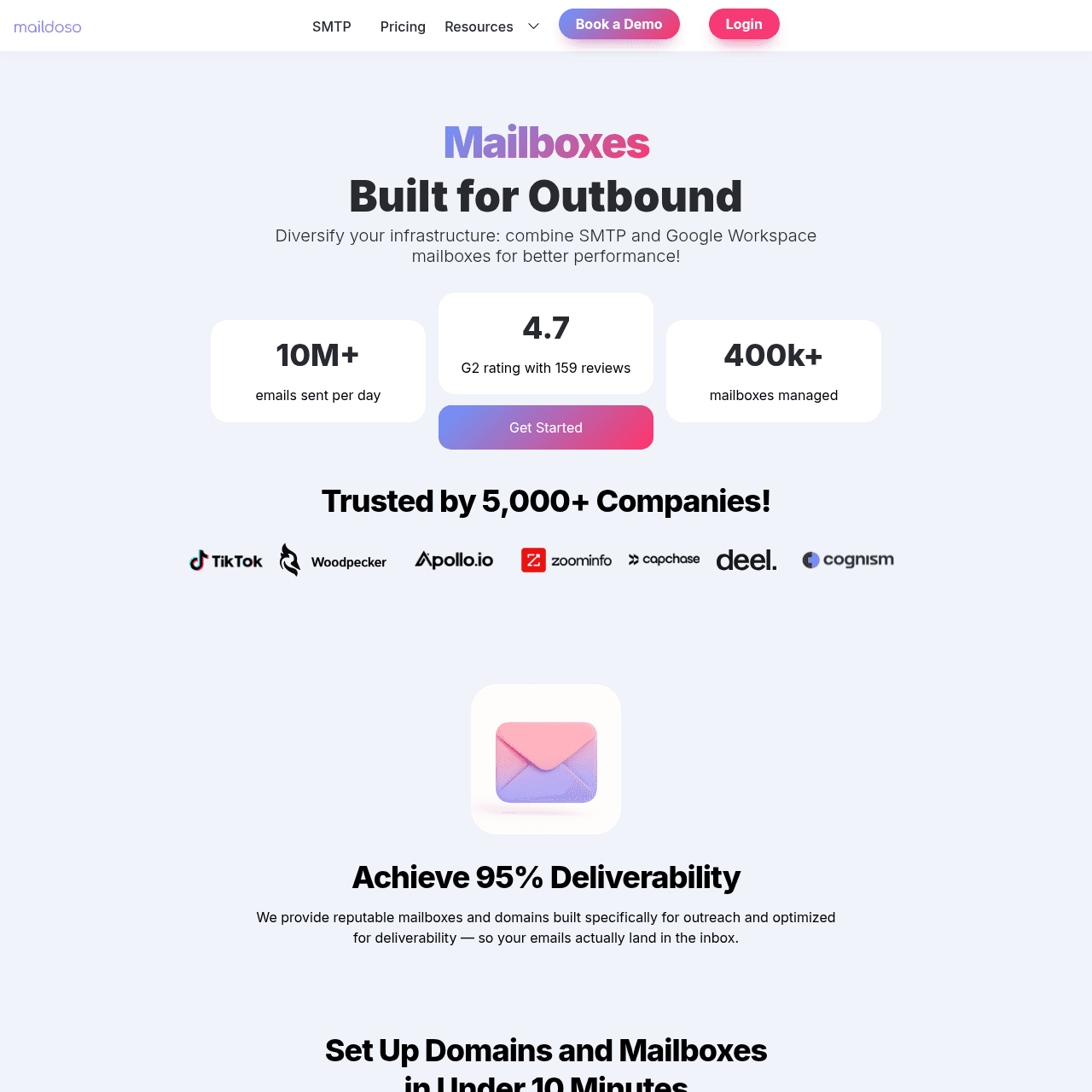
Maildoso is the volume leader in email infrastructure. They manage over 400,000 mailboxes and handle 10+ million emails per day. If you need to spin up 100 or more SMTP mailboxes quickly and affordably, Maildoso is the most proven option at scale.
SMTP mailboxes start at $1.90 to $2.50 per mailbox per month. Combo mailboxes (SMTP plus Google Workspace) run $2 to $3. Domains are available from $2 per domain, which helps keep total infrastructure costs low.
The platform offers auto DNS configuration, one-click integrations with Instantly, Smartlead, and Saleshandy, and both API and MCP support for automation. Maildoso carries a 4.7 rating on G2 from 159 reviews, which is the strongest social proof of any provider on this list. The platform is battle-tested at scale.
The trade-off is that Maildoso focuses on mailbox provisioning and DNS. It does not include built-in warmup, inbox placement testing, or an email verifier. You will need your sending tool (like SendKit) or a standalone warmup service to handle deliverability.
For teams that already have a full sending platform, this is not a problem. For teams that want everything in one place, InboxKit offers more.
Strengths
- Lowest per-mailbox pricing starting at $1.90/mo for SMTP
- 400K+ mailboxes managed, 10M+ emails/day capacity
- 4.7 G2 rating from 159 verified reviews
- Auto DNS configuration for fast setup
- One-click integrations with Instantly, Smartlead, Saleshandy
- API-based import into sending platforms like SendKit
- API + MCP support for automation at scale
- Domains available from $2/domain
Limitations
- No built-in warmup or inbox placement testing
- No email verifier or blacklist checker included
- SMTP mailboxes only (no native Google Workspace option on base tier)
- Deliverability tools must come from your sending platform
Verdict: The best choice for teams that need raw infrastructure at the lowest cost per mailbox. Pair it with SendKit for warmup, validation, and deliverability monitoring.

Zapmail
$3.50/mailbox/moBest for: Google Workspace mailboxes with AI domain tools
Source: Zapmail
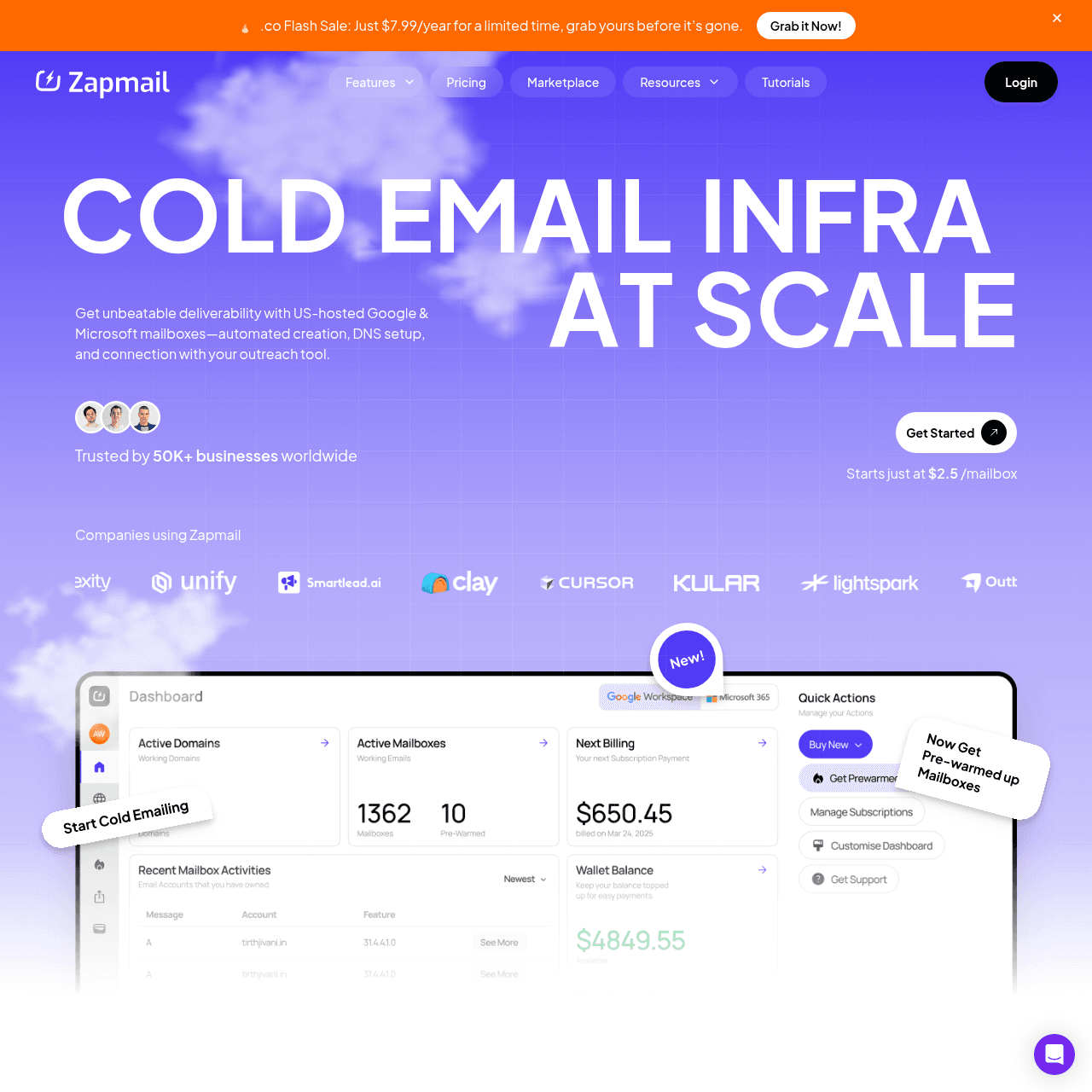
Zapmail focuses exclusively on Google Workspace mailboxes, which gives it an advantage for teams that prefer Google deliverability over SMTP. Their pricing follows a tiered model: Starter at $39/mo for 10 mailboxes ($3.50 per extra), Growth at $99/mo for 30 mailboxes ($3.25 per extra), and Pro at $299/mo for 100 mailboxes ($3.00 per extra). The standout features are their AI tools.
The AI domain name generator helps you pick domains that look natural and avoid spam triggers. The AI mailbox namer creates realistic sender profiles. Pre-warmed accounts mean you can start sending sooner.
Workspace-level isolation keeps each domain separate. Zapmail has set up over 1 million mailboxes and manages 330,000+ domains, which proves the platform works at scale. They hold a 4.5 TrustPilot rating.
The downside is cost. At $3.00 to $3.90 per mailbox, Zapmail is more expensive than SMTP providers like Maildoso ($1.90) or Mailforge ($2.00). Google Workspace mailboxes do tend to have better inbox placement than SMTP, but the per-mailbox cost difference adds up at scale.
No Microsoft 365 or Azure option either.
Strengths
- Google Workspace mailboxes with strong inbox placement
- AI domain name generator and AI mailbox namer
- Pre-warmed accounts for faster ramp-up
- One-click platform integrations with SendKit and other sending tools
- Workspace-level isolation per domain
- 1M+ mailboxes set up, 330K+ domains managed
- 4.5 TrustPilot rating
Limitations
- Higher per-mailbox cost than SMTP providers ($3.00-$3.90)
- Google Workspace only, no Microsoft 365 or SMTP option
- Tiered pricing with base fees ($39-$299/mo) plus per-mailbox charges
- No built-in inbox placement testing or blacklist checker
Verdict: The best option for teams committed to Google Workspace mailboxes. The AI tooling for domain and mailbox naming is genuinely useful. Higher cost than SMTP providers.

Mailforge
$2/mailbox/moBest for: affordable SMTP mailboxes in the Salesforge ecosystem
Source: Mailforge
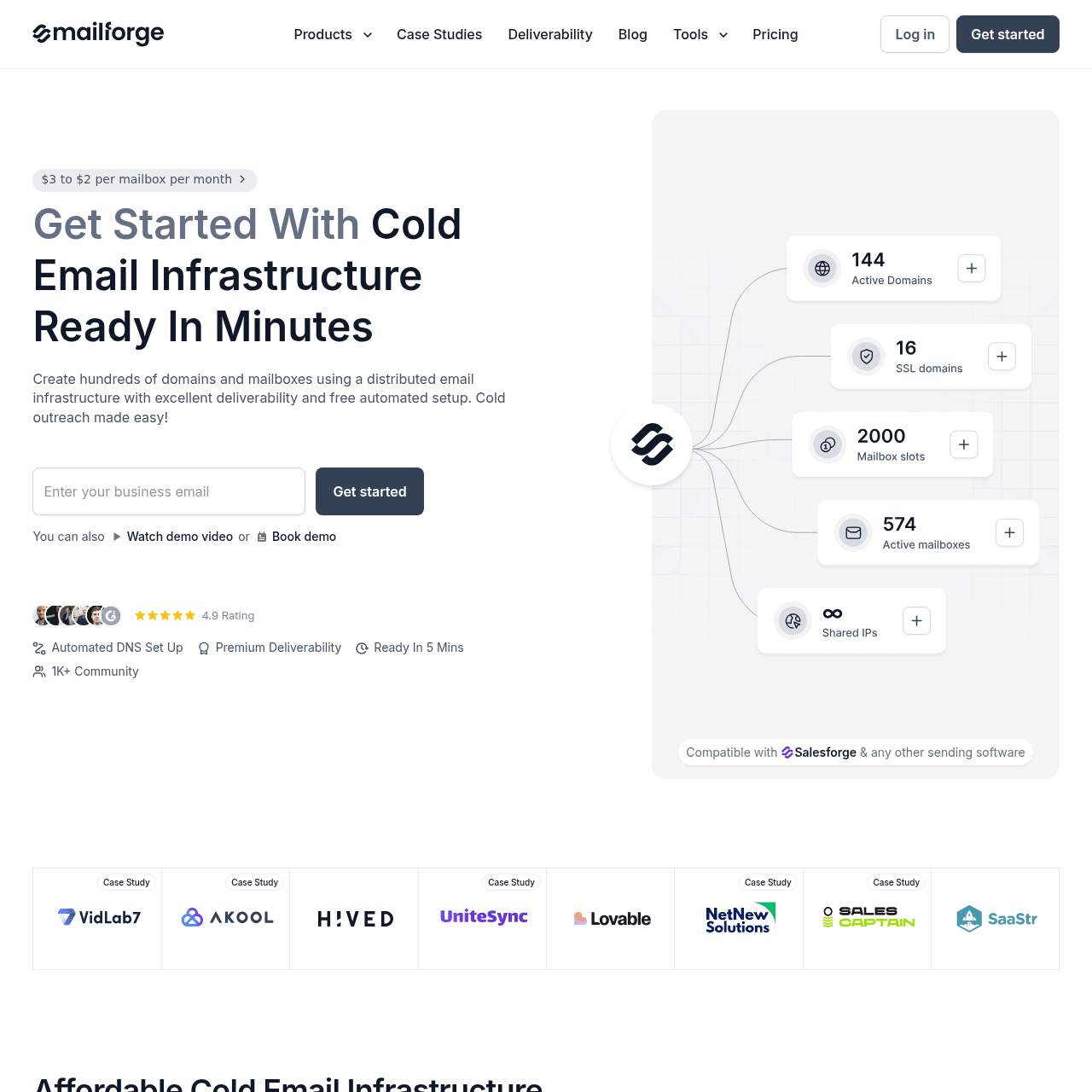
Mailforge is the shared-IP SMTP provider from Salesforge. Mailboxes cost $2 to $3 per mailbox per month on shared IP infrastructure. The platform includes automated DNS setup, bulk DNS updates, domain transferring, SSL and domain masking, and support for multiple workspaces.
The cost comparison is compelling: 200 mailboxes on Mailforge costs roughly $484 per month, versus $1,680 for the equivalent on Google Workspace. That is a 71% savings. Over 10,000 businesses use Mailforge, making it a well-established option in the SMTP infrastructure space.
Mailforge integrates with the broader Salesforge ecosystem, which includes Infraforge (dedicated IPs) and the Salesforge AI sales engagement platform. If you are already in that ecosystem, Mailforge fits naturally. The limitation is shared IPs.
Every mailbox on Mailforge sends through shared IP pools, which means your deliverability depends partly on the behavior of other senders on the same IPs. For teams that need IP isolation, Infraforge (the dedicated IP option) or InboxKit are better choices.
Strengths
- Low per-mailbox cost at $2 to $3/mailbox/mo
- Automated DNS setup and bulk DNS updates
- SSL and domain masking included
- Multiple workspaces for agency use
- Platform integrations available (primarily with Salesforge)
- 10,000+ businesses using the platform
- Part of the Salesforge ecosystem
Limitations
- Shared IP infrastructure only
- No built-in warmup, inbox placement testing, or verification
- SMTP only, no Google Workspace or Microsoft 365
- Deliverability depends on shared IP pool quality
Verdict: A solid budget pick for SMTP mailboxes. The shared IP trade-off is real though. Pair with SendKit for warmup and deliverability monitoring.
Try SendKit
Dedicated IPs. Isolated infrastructure. From $99/mo.
Infraforge
$3/mailbox/mo + $99/mo dedicated IPBest for: SMTP mailboxes with dedicated IPs
Source: Infraforge
Infraforge is the dedicated-IP counterpart to Mailforge, also from the Salesforge ecosystem. Mailboxes cost $3 to $4 per mailbox per month with dedicated IP infrastructure. The platform includes pre-warmed domains, multi IP provisioning, a masterbox for centralized management, and API access.
The dedicated IP pricing adds $99 per month on top of per-mailbox costs. SSL and domain masking costs $2 per domain per month. These add-ons push the total cost higher than shared IP providers, but the trade-off is meaningful: your sender reputation is isolated from other users.
Infraforge makes the most sense for teams that need SMTP mailboxes with IP isolation but do not want to use Google Workspace or Microsoft 365. The pre-warmed domains reduce ramp-up time. The downside is total cost.
A setup with 100 mailboxes at $3.50 average plus $99 for dedicated IP plus domain masking fees adds up faster than InboxKit at the Enterprise tier ($250/mo for 100 mailbox slots, effective $2.50 per mailbox plus the warmup add-on if needed) with Google Workspace and most deliverability tools bundled. For teams already in the Salesforge ecosystem, Infraforge is a natural upgrade from Mailforge.
Strengths
- Dedicated IP infrastructure for sender isolation
- Pre-warmed domains for faster ramp-up
- Multi IP provisioning and masterbox
- API access for automation
- Platform integrations available (primarily with Salesforge)
- Upgrade path from Mailforge (shared to dedicated)
- Part of the Salesforge ecosystem
Limitations
- Dedicated IP costs $99/mo extra on top of per-mailbox pricing
- SSL and domain masking is $2/domain/mo extra
- Higher total cost than InboxKit for equivalent capabilities
- SMTP only, no Google Workspace or Microsoft 365
- No built-in inbox placement testing or blacklist checker
Verdict: The only dedicated-IP SMTP provider on this list. Worth it for teams that need IP isolation but want SMTP over Google Workspace. Total cost is higher than it first appears.
Keep reading
Got questions? We've got answers.
Email infrastructure refers to the mailboxes, domains, and DNS configuration you need before you can send cold emails. Infrastructure providers like InboxKit and Maildoso handle mailbox provisioning, domain purchases, and DNS setup (SPF, DKIM, DMARC) so you can focus on writing campaigns in your sending tool like SendKit.
Ready to hit primary?
Set up SendKit's isolated infrastructure and start sending in under 15 minutes.
Dedicated IPs on every plan. Cancel anytime.